The Gluco-Monitor software may evolve over time to add new features and fix bugs.
Version History
v1.0: First basic version for Freestyle sensor in mg/dL
v2.0: Added Dexcom support
v3.0: Added mmol/L unit support
v3.1: Added color or white display option for glucose values
Added optional 10% brightness mode at night (9 PM to 7 AM)
v3.2: Fixed Dexcom trend arrow mapping. Added DoubleUp and DoubleDown arrows.
Fixed 10% brightness bug at night.
v3.3: Time format selection: 12h or 24h
Option to power the screen via an external battery, with charge level display.
Updates
Two solutions are available for updates.
Quick Installation
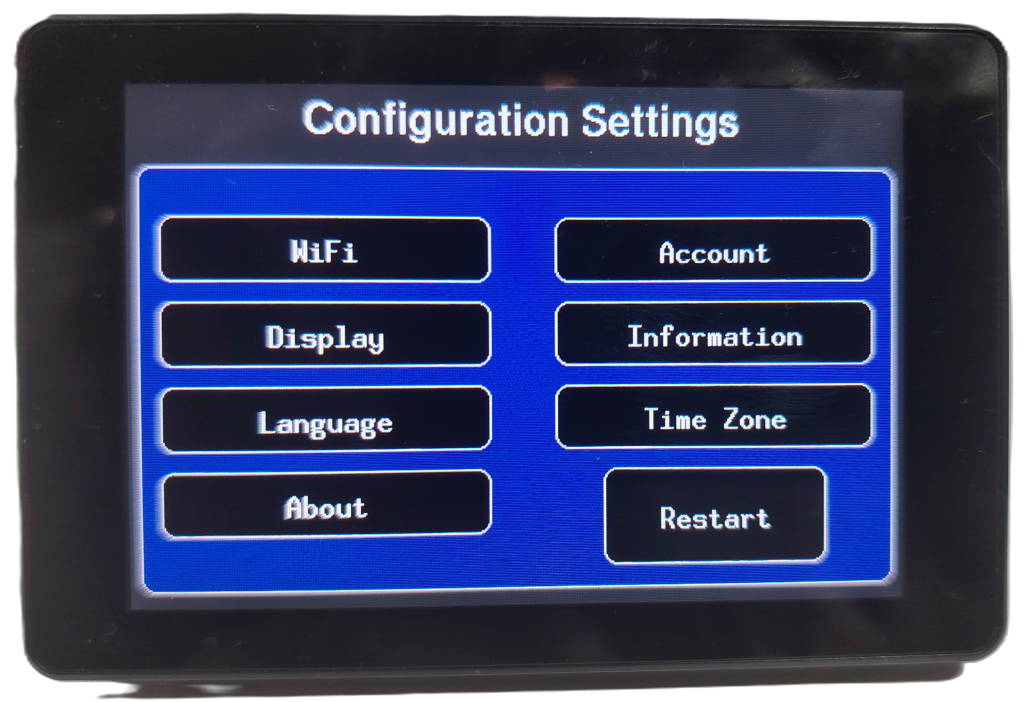
As with the initial installation, by connecting Gluco-Monitor to a PC or Mac using a Chrome or Edge browser, it is possible to install the latest updated version. This installation completely erases the ESP32 memory, and you will need to re-enter all settings such as Wi-Fi, account information, etc.
Web OTA
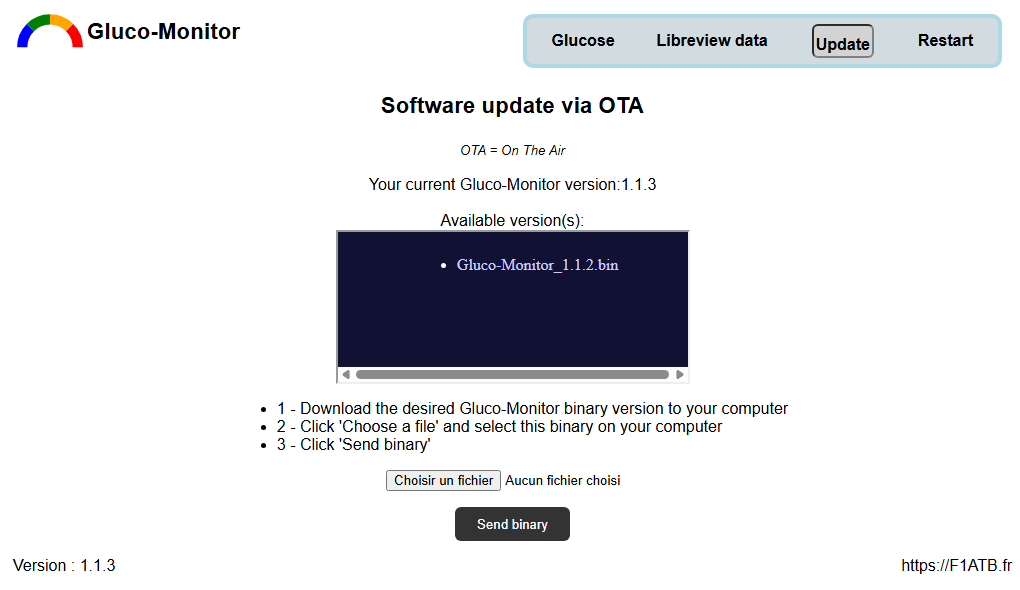
The code includes the ability to update the device not through the serial connection between the PC and the ESP, but directly over Wi-Fi from the Gluco-Monitor web interface. This is the very convenient Web OTA (Over The Air) feature, which preserves the device settings.
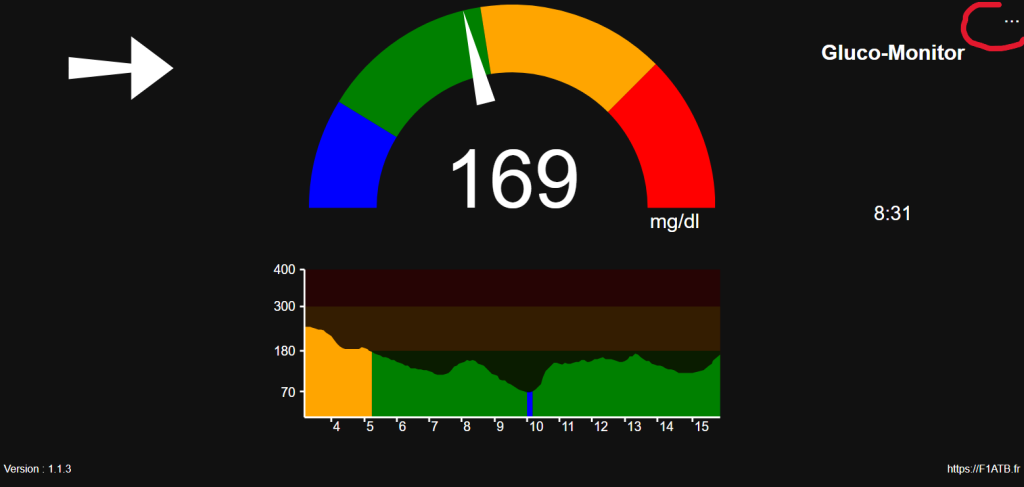
Connect to your Gluco-Monitor server by entering its IP address (192.168.x.x), which can be found on the information page, into a web browser. Then click the top-right menu (…) and select OTA Update. The selected version will be installed without losing your settings.