When starting Gluco-Monitor for the first time, you will need to configure the following settings:
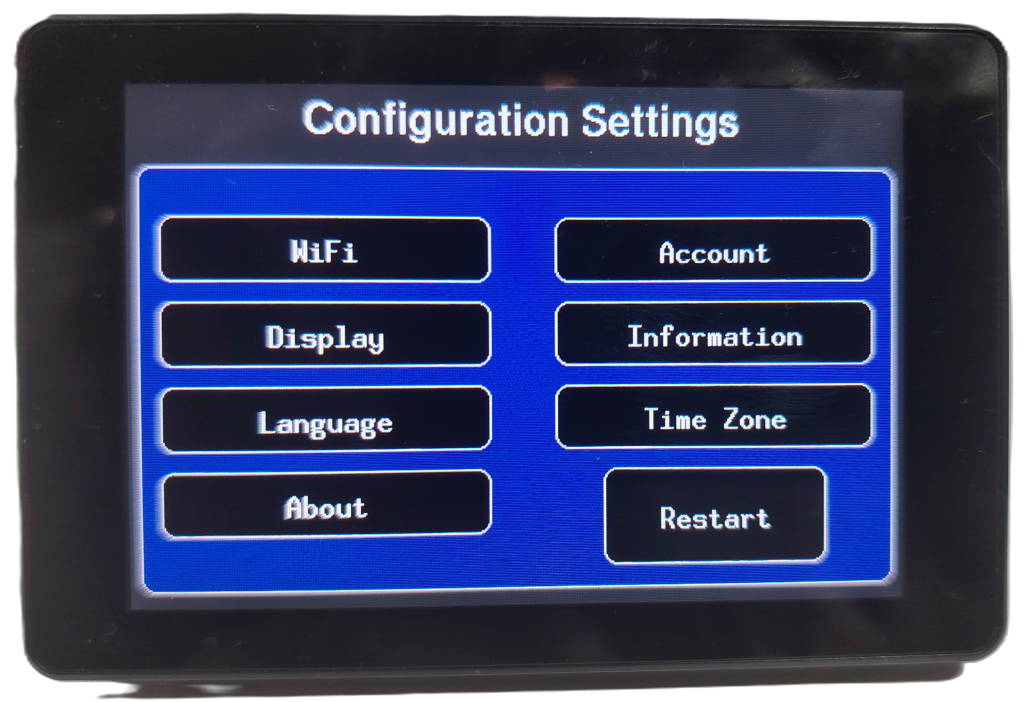
Language and Glucose Unit
You can choose between 5 languages:
“en”: English
“fr”: Français
“de”: Deutsch
“es”: Español
“it”: Italiano
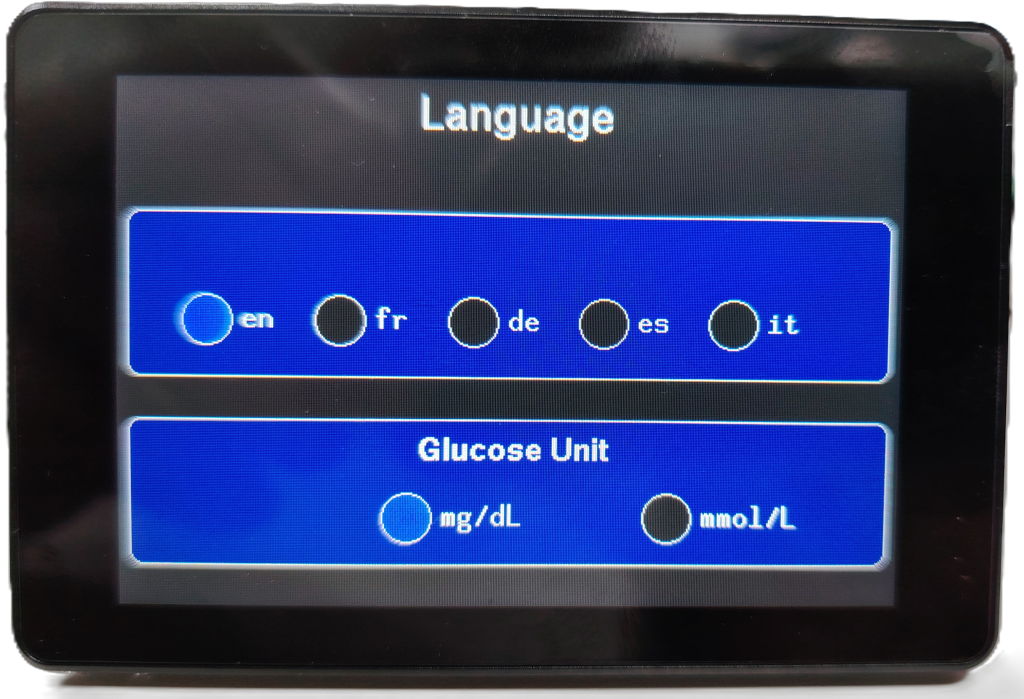
You can choose the glucose unit : mg/dL or mmol/L
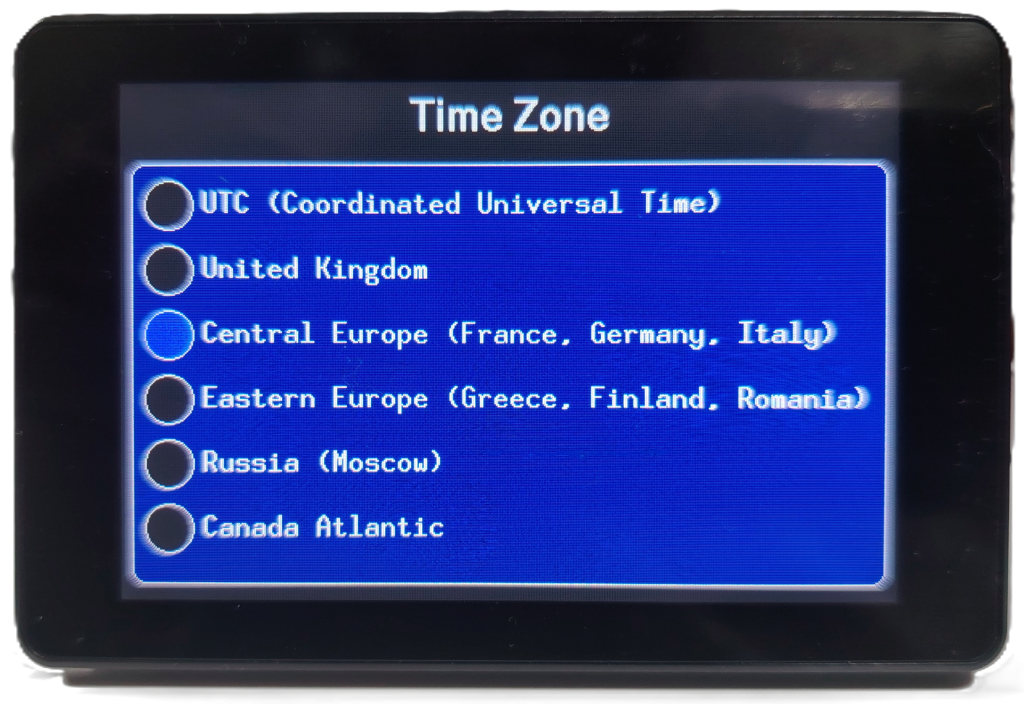
Time Zone
It is essential to set Gluco-Monitor to the same time zone as the patient.
WiFI
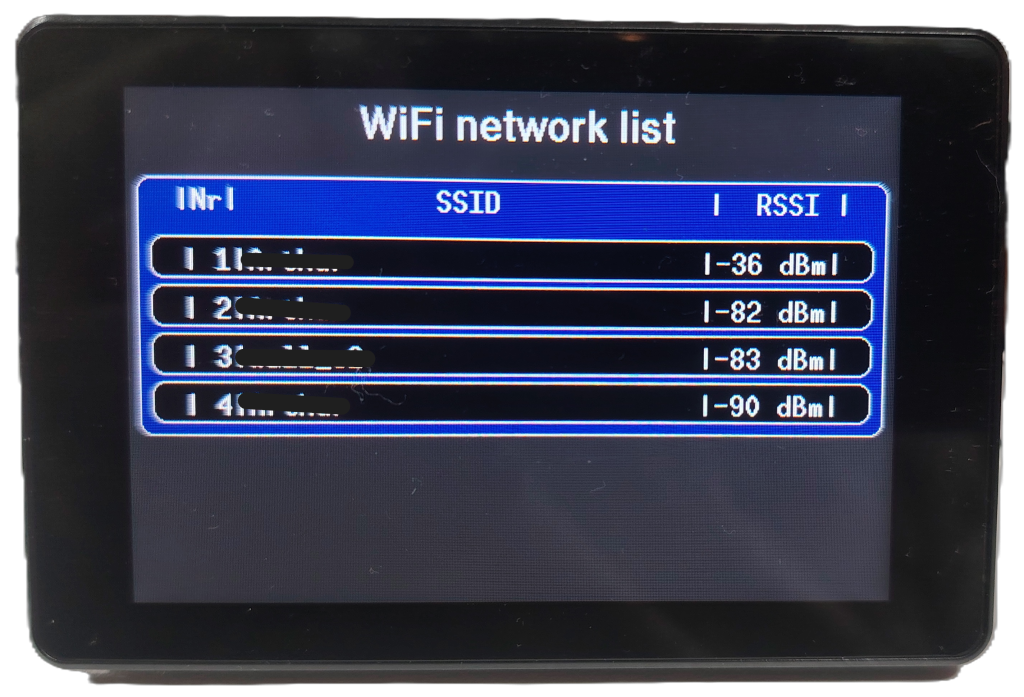
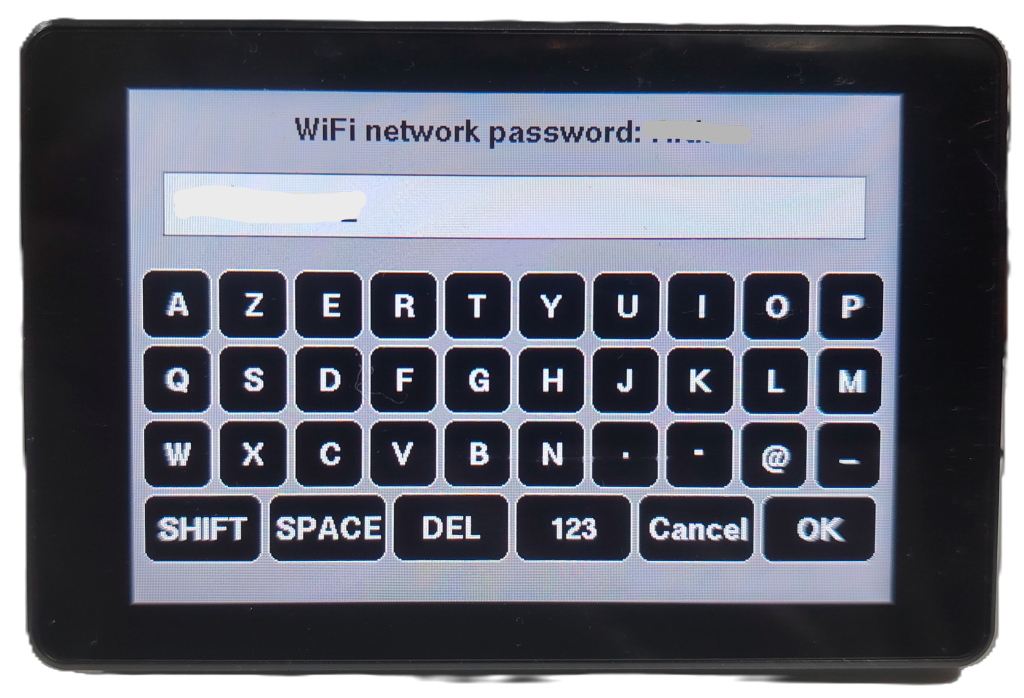
You must enter the name (SSID) and password of your local WiFi network to allow the device to retrieve glucose data and the current time.
LibreLinkUp Account
Beforehand, you must create an account using the LibreLinkUp app on a family member’s smartphone. This account allows the patient’s glucose data to be read at any time. These credentials will be used by the Gluco-Monitor. Note that you can have multiple Gluco-Monitors and the mobile app all querying the Libreview Cloud simultaneously.
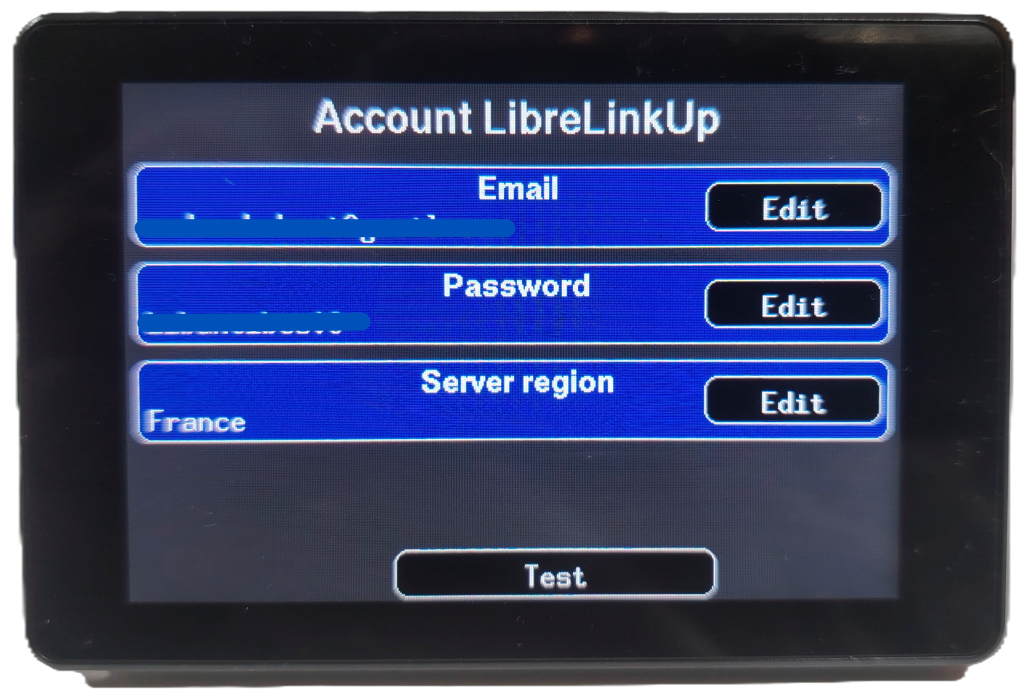
You will need to provide:
- The email and password associated with the account.
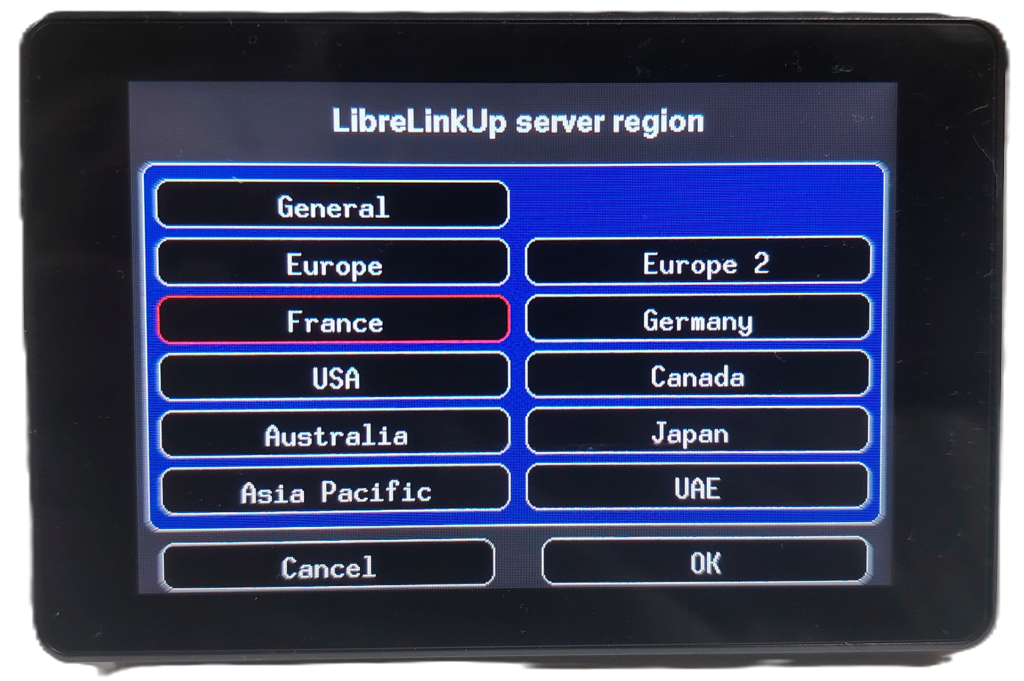
- Server Location: Data is stored on different servers. Users in France should select France.
A button is available to test these three parameters. If the test fails, please wait 10 seconds and try again.
Dexcom Account
Beforehand, you must download the Dexcom G7 / G6 / G5 / G4 mobile app and enable the Share service.
The Dexcom Share service requires setup of at least one follower to enable the share service, but Gluco-Monitor will use your (or the dependent’s) credentials, not the follower’s or manager’s.
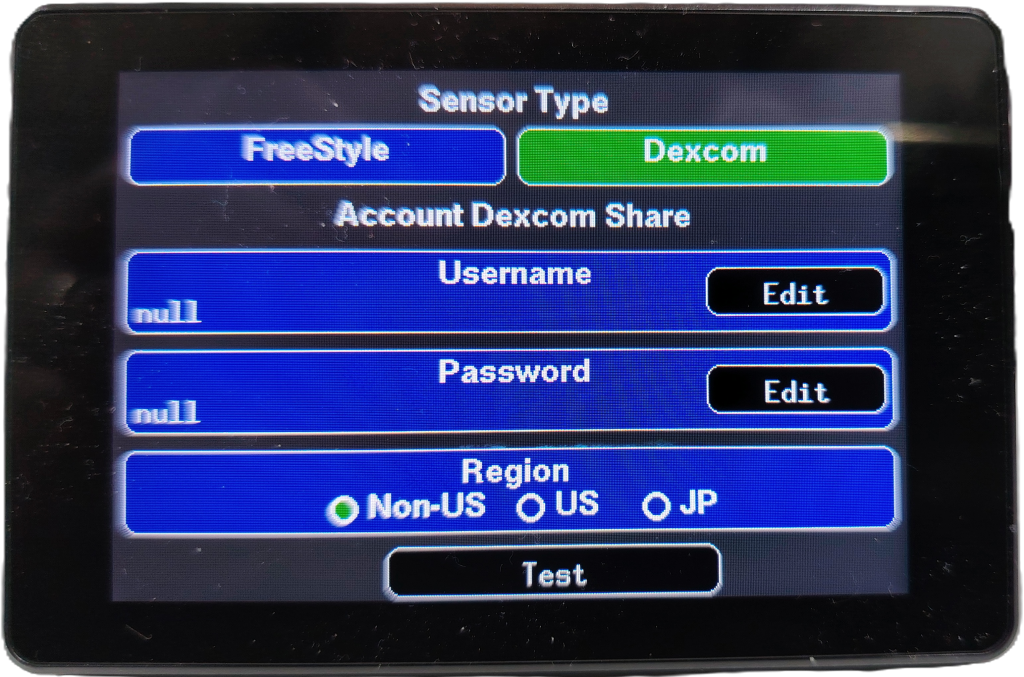
Display
You can adjust the nighttime brightness of the screen and choose its orientation.
You choose to display the glucose value in white or color.
You can select the time format. 12 h or 24h.
