By visiting the Information page, you will find the IP address of the web server embedded in your Gluco-Monitor. You can access this server by typing the address into a web browser on your PC (for example: http://192.168.0.123).
Access Authorization
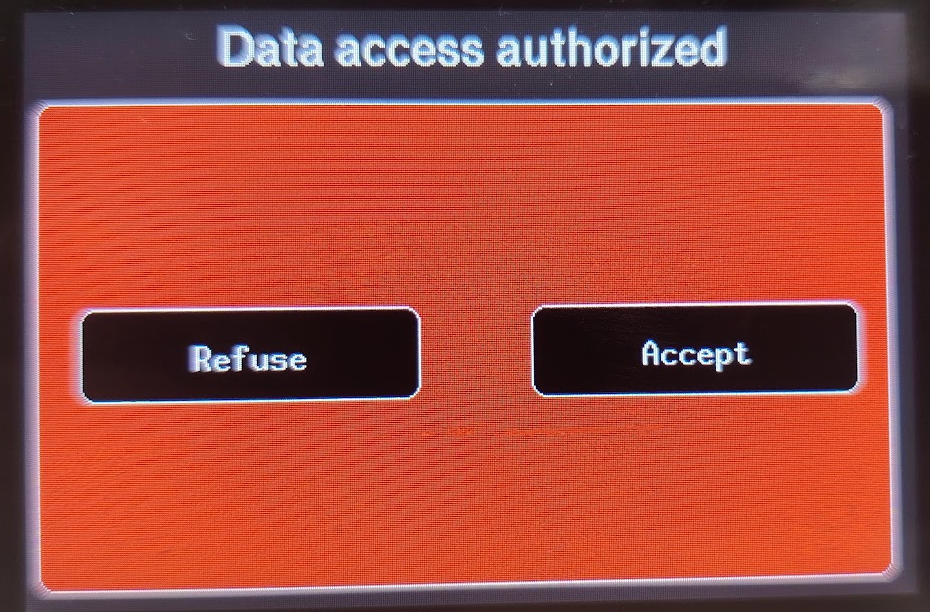
To prevent unauthorized access by others on your WiFi network, an authorization request will appear on the Gluco-Monitor screen.
Glucose Page
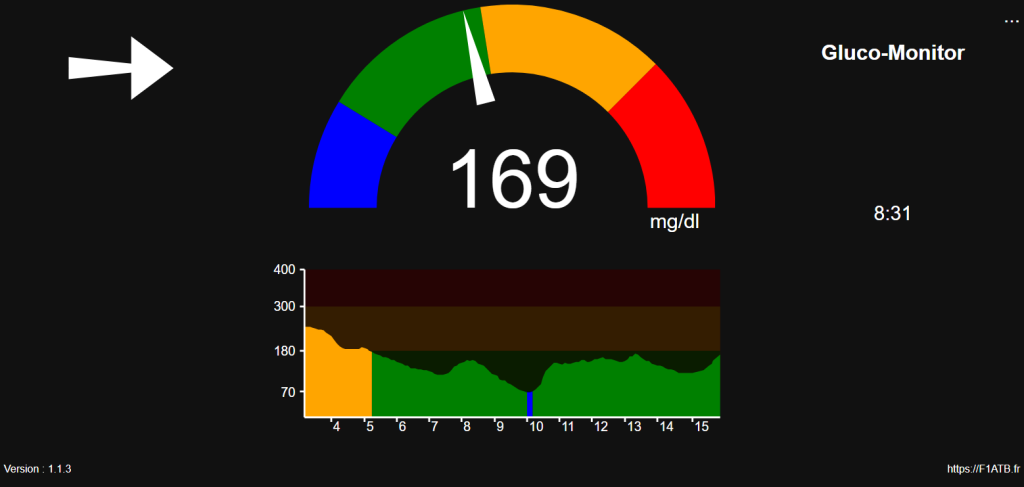
You will find a page similar to the Gluco-Monitor display, with a menu icon ... available in the top right corner.
Libreview Messages
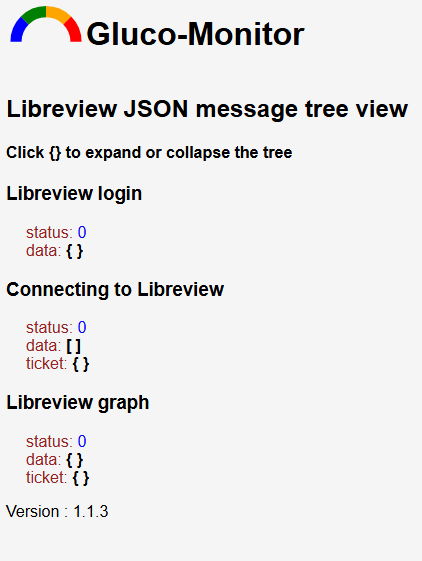
This section displays the responses to the three types of data requests, which is useful for troubleshooting. Click on the {} icon to expand the data tree.
- Login: Authorization request.
- Connection: Returns the patient’s most recent glucose reading.
- Graph: Returns a table of glucose readings over approximately the last 10 hours.
OTA Update
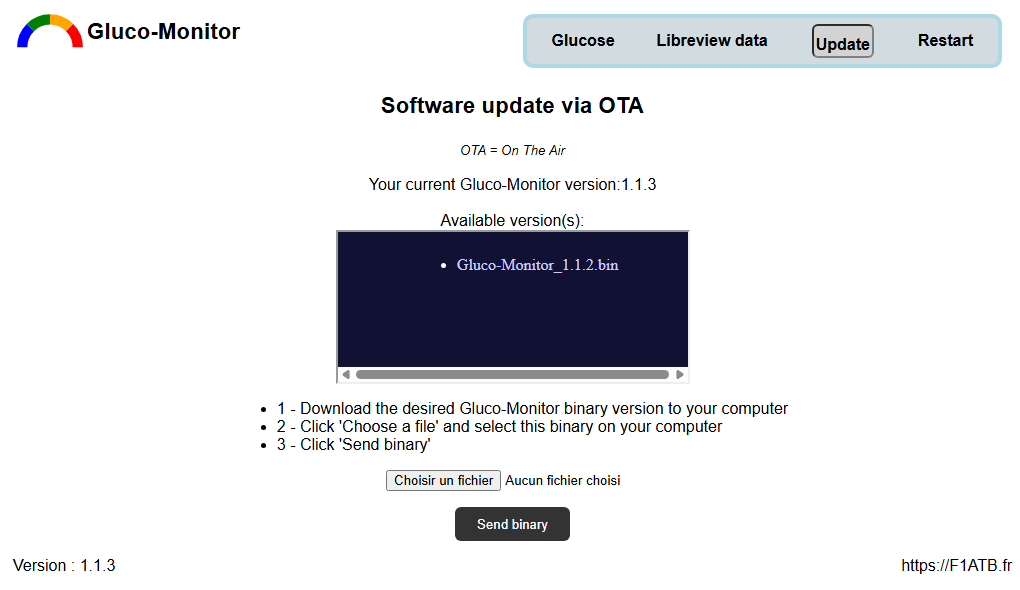
This section provides access to a list of the latest Gluco-Monitor software versions. You can select and install your preferred version over WiFi.
- OTA : On The Air
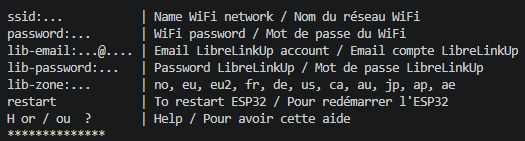
Serial Port Access
If your PC is connected to the Gluco-Monitor via a serial/USB port at 115200 baud, typing ? will prompt the system to return a list of commands for configuring the device.