Downloading the entire binary code to the ESP32-S3 can be done very simply and quickly from your PC or MAC. The only requirements are:
- Internet access (to this site: F1ATB.fr)
- Opening this page in a Chrome or Edge web browser


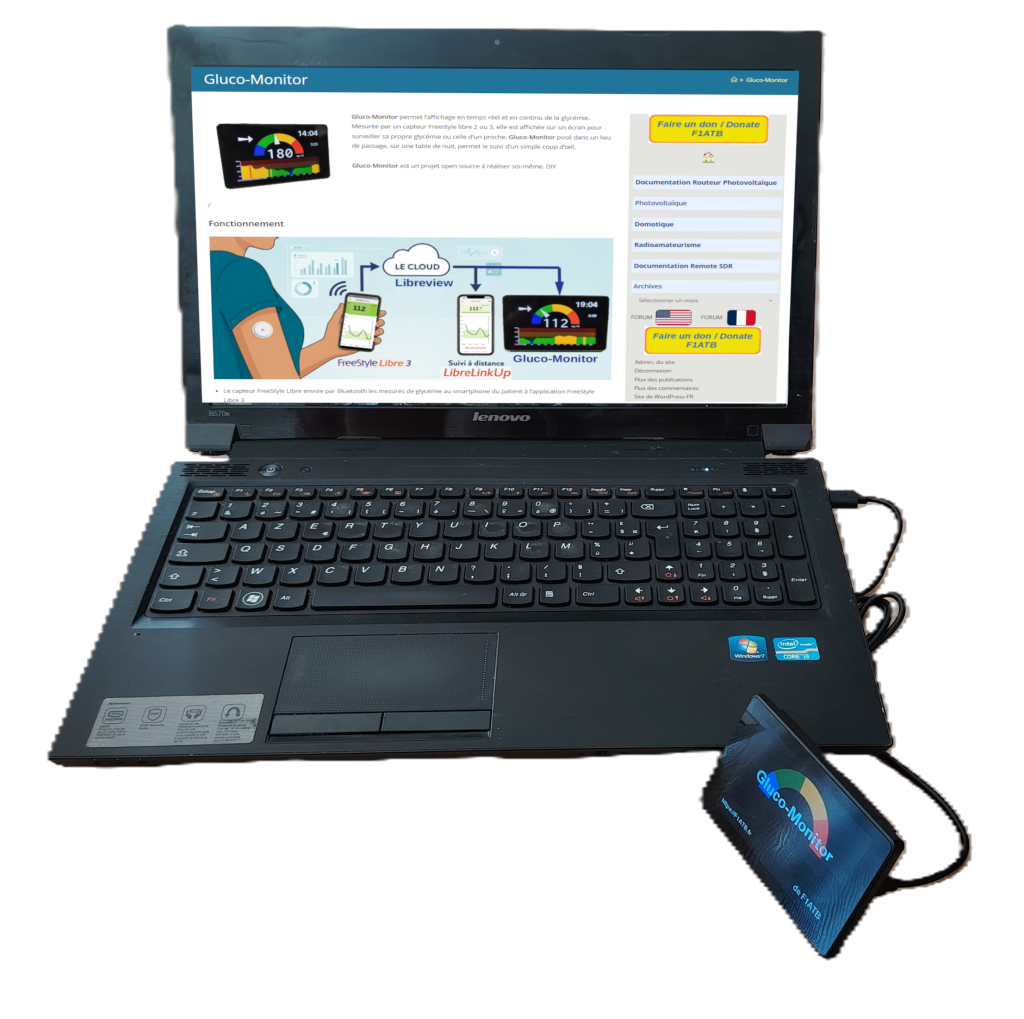
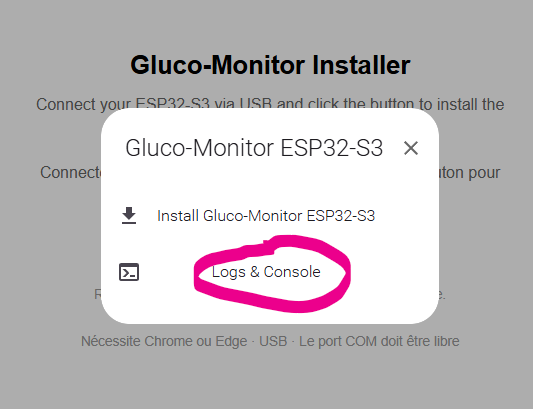
Procedure
The ESP32-S3 must be connected to a serial/USB port on your PC or MAC to transfer the binary code.
This procedure is designed for the initial installation of the router code on the ESP32. It erases the entire Flash memory to install the new code. Once installed, you can modify it if necessary via WiFi through a web page using the “Web OTA” feature.
First Program Launch
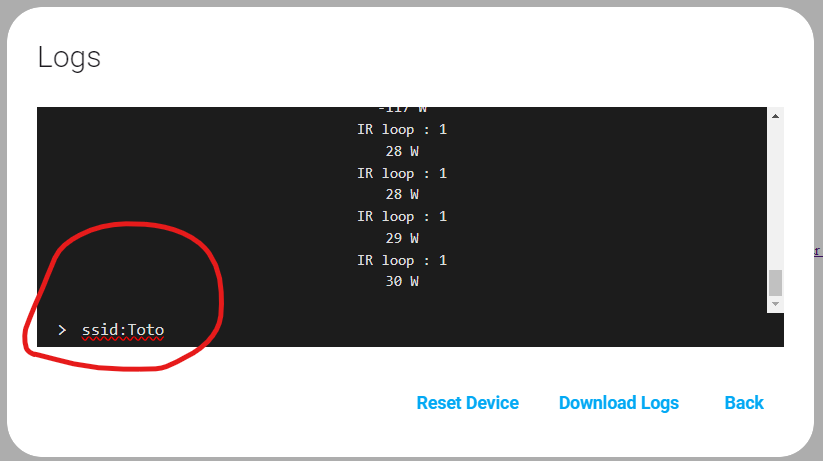
During the first launch, you must specify on the screen the name of the WiFi network it should connect to in the future. You can do this directly on the screen or via your PC if it is connected, as explained below.
Configuration via Serial Port
There are 3 key commands to enter:
ssid: network_namepassword: passwordrestart
Alimentation durant la programmation
Power Supply During Programming
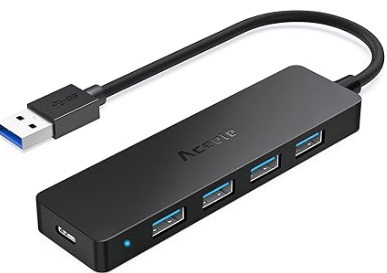
Sometimes, an ESP32 powered by your PC’s USB port may not start correctly. This is due to an insufficient supply voltage (lower than 5V) combined with a high current draw at startup. In this case, use a powered USB Hub (one with its own power supply). Connect the ESP32 to the Hub, and the Hub to your PC.
https://www.amazon.fr/Aceele-Microsoft-Nintendo-Ordinateur-Portable/dp/B07RLFKG4X/ref=sr_1_1_sspa
Disclaimer
Gluco-Monitor is designed to display data from your FreeStyle Libre 2/3 continuous glucose monitoring (CGM) system, as stored in the Abbott database.
Please note that this software is not officially supported by Abbott or FreeStyle and was developed through reverse engineering and online research.
FreeStyle, Libre, LibreView, LibreLinkUp, and related brand marks are trademarks of Abbott Diabetes Care Inc. in various jurisdictions. All other trademarks are the property of their respective owners. This software is not affiliated with Abbott Diabetes Care, Inc. or any of its subsidiaries.
Gluco-Monitor should not be used for medical diagnosis or treatment, nor should it be used as a substitute for professional medical advice. Individual symptoms and circumstances may vary.
Gluco-Monitor is a personal DIY project and is open-source under the MIT License.
Details and source code are available on the websites :